Prompt caching is a feature that speeds up Claude's responses and reduces the cost of text generation by reusing computational work from previous requests. To understand how this works, let's first look at what normally happens inside Claude during a typical request.
How Claude Normally Processes Requests
When you send a message to Claude, a lot happens behind the scenes before you get a response back. Claude doesn't just immediately start generating text - it first does extensive work on your input message.
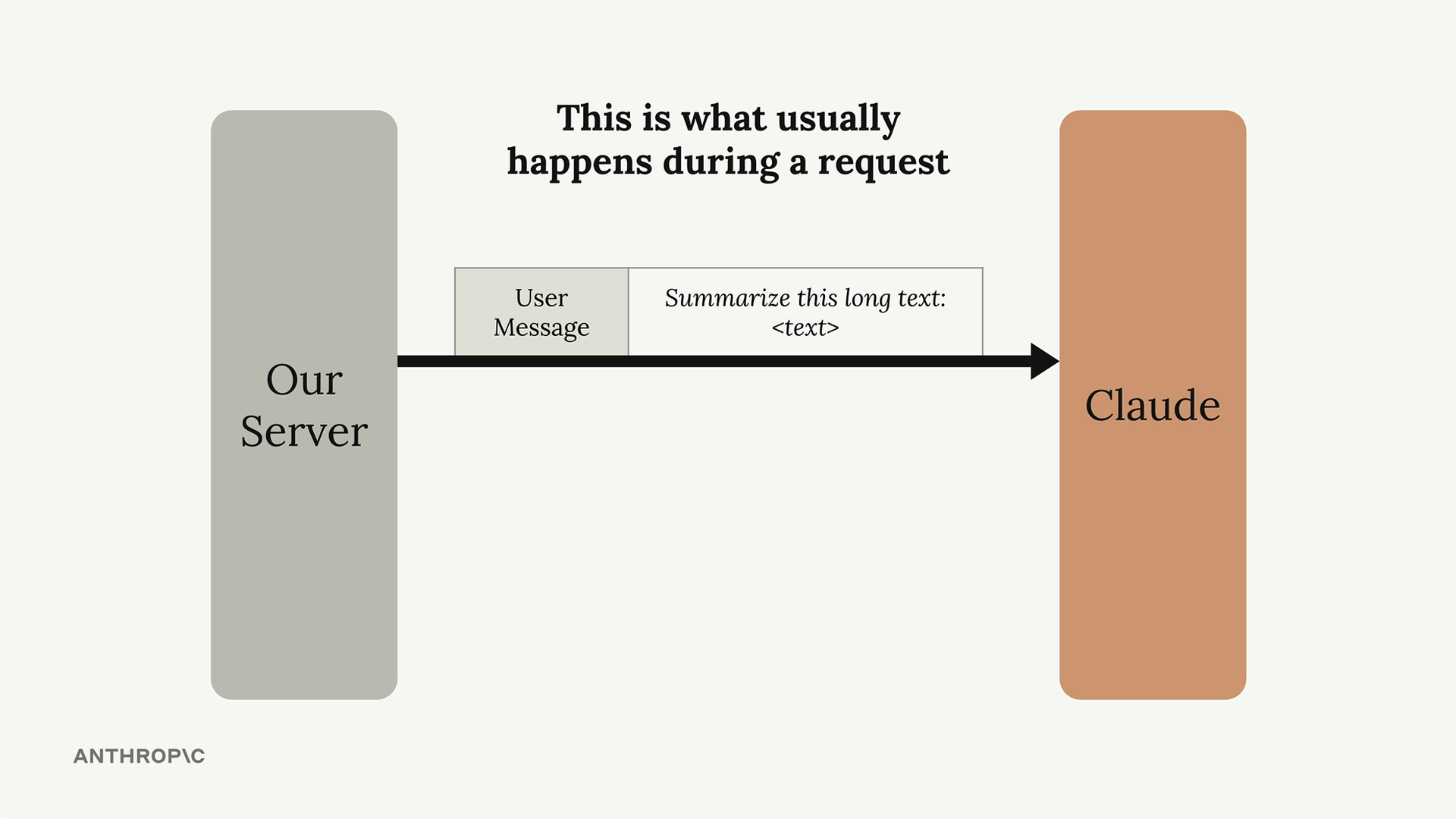
Here's what Claude does with your message:
- Tokenize the prompt
- Create embeddings for each token
- Add context based on surrounding text
- Generate output text
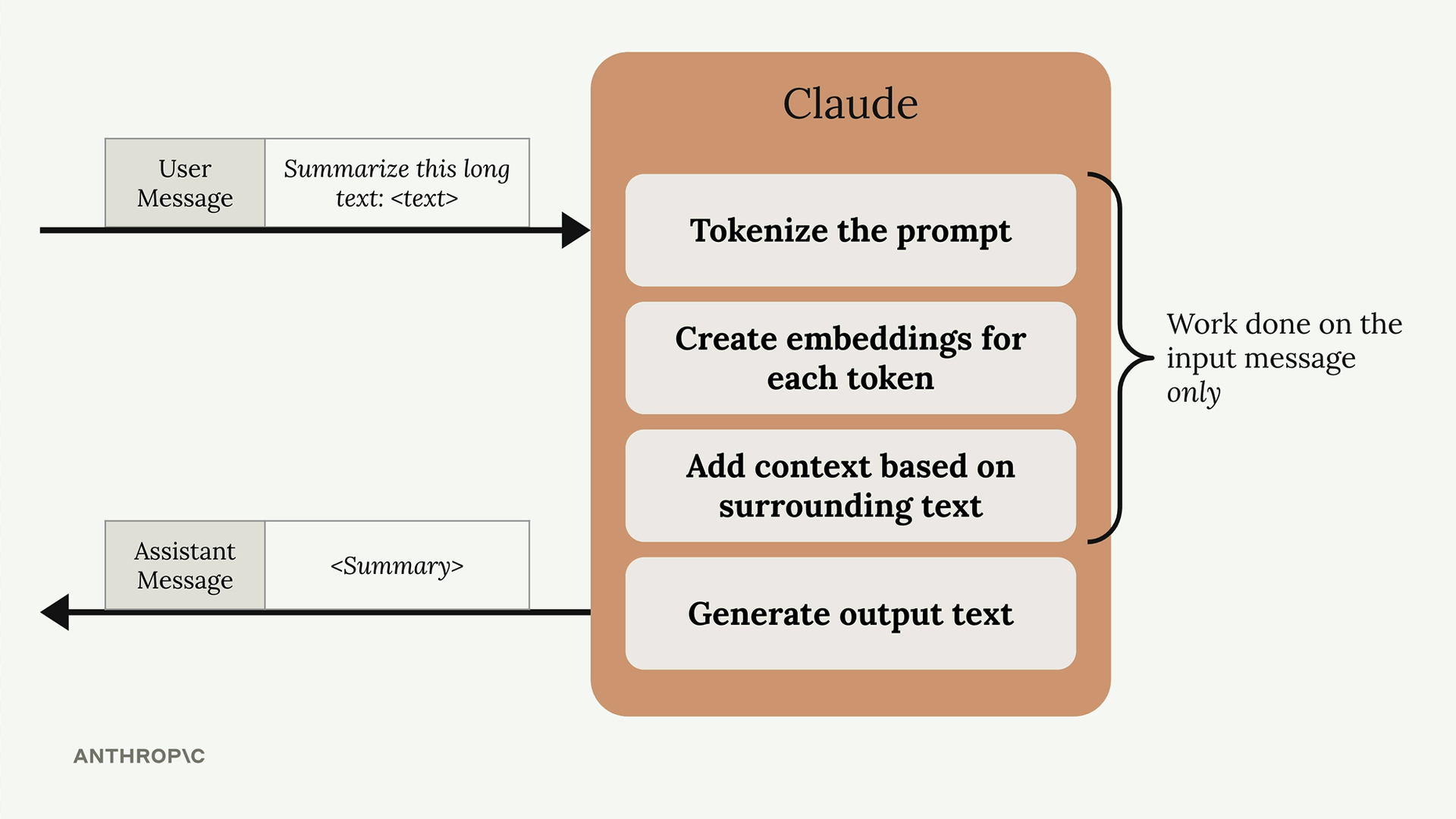
All of this preprocessing work happens before Claude generates any actual response. Once Claude finishes processing your request and sends back the response, it throws away all the computational work it just did.
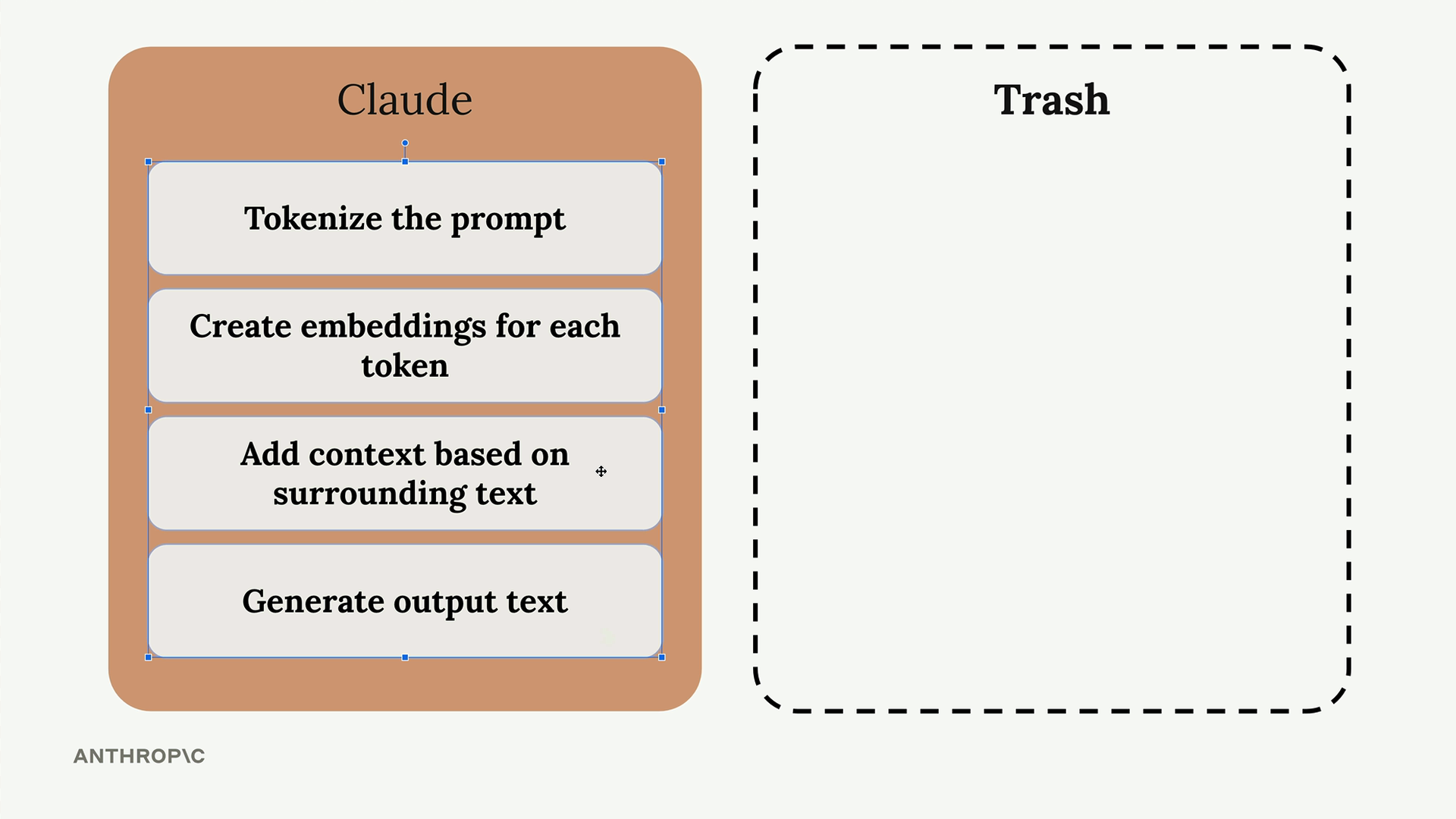
The Problem with Throwing Away Work
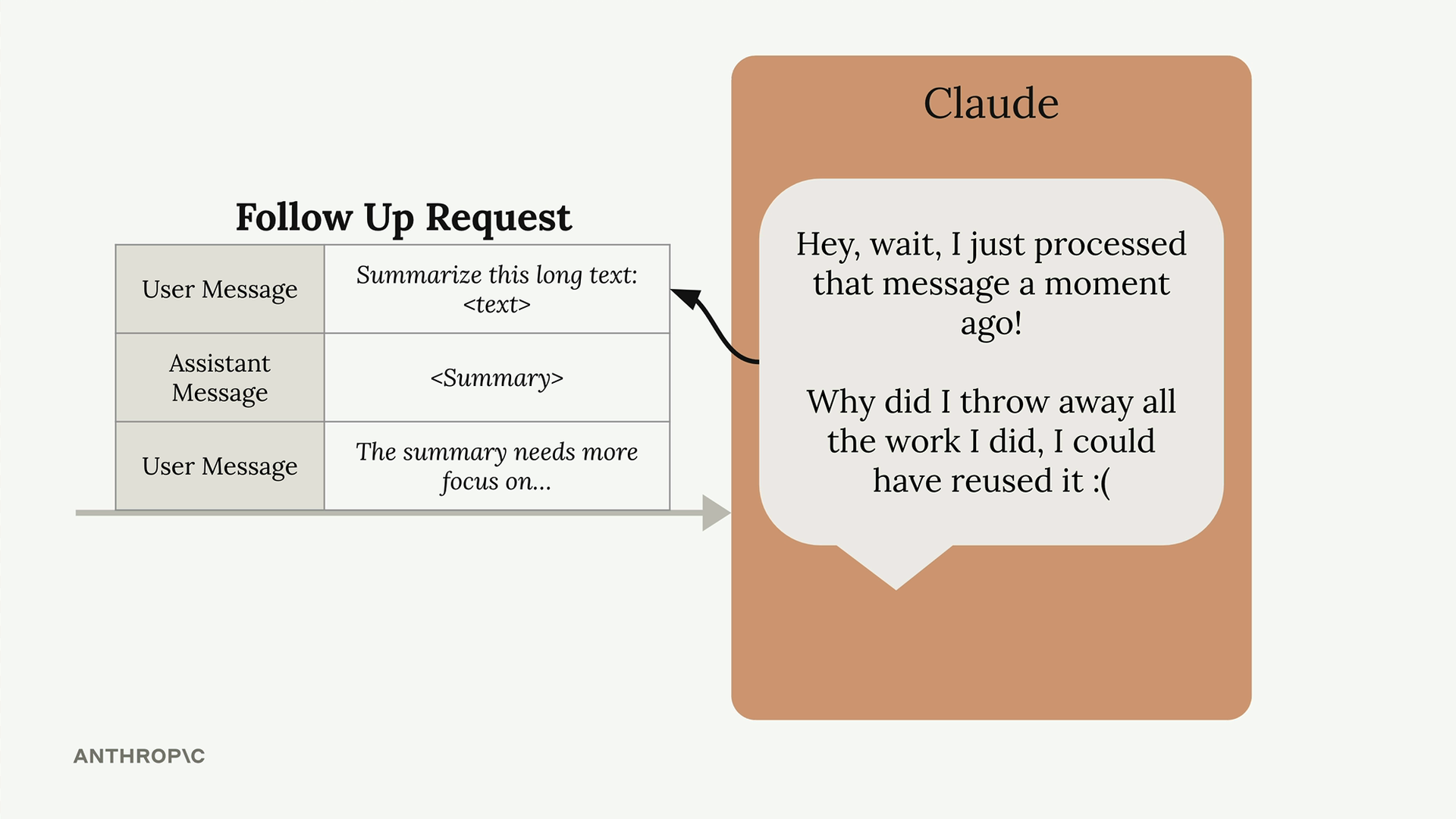
This creates an inefficiency when you're having conversations with Claude. Let's say you make a follow-up request that includes the same message from earlier, plus Claude's previous response, plus a new message to continue the conversation.
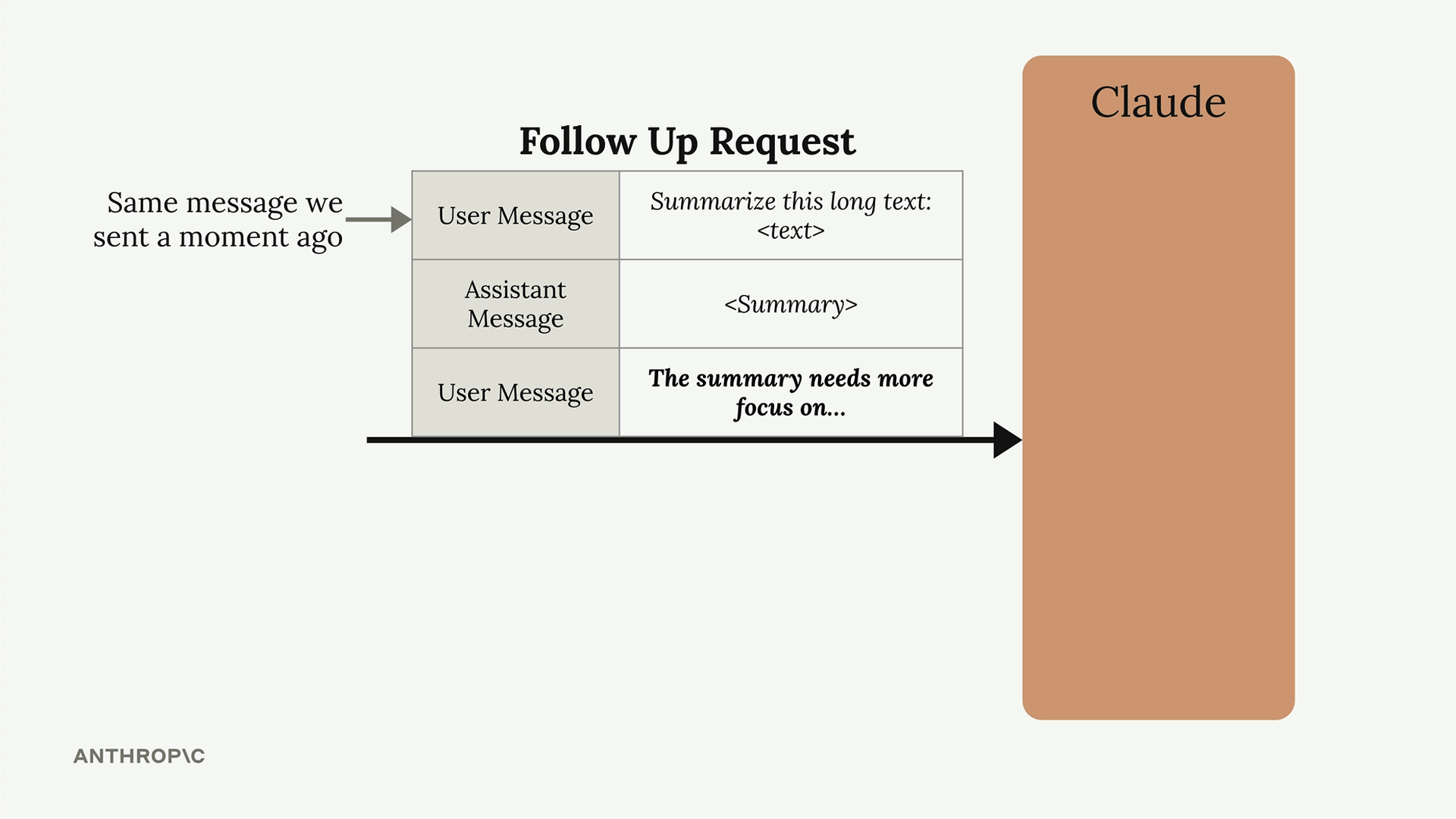
When Claude sees that original message again, it has to redo all the same computational work it just threw away moments earlier. Claude essentially thinks: "I just processed this exact message and did all this work, then threw it away. Now I have to do it all over again."
How Prompt Caching Solves This
Prompt caching addresses this inefficiency by saving the computational work instead of discarding it. Here's how it works:
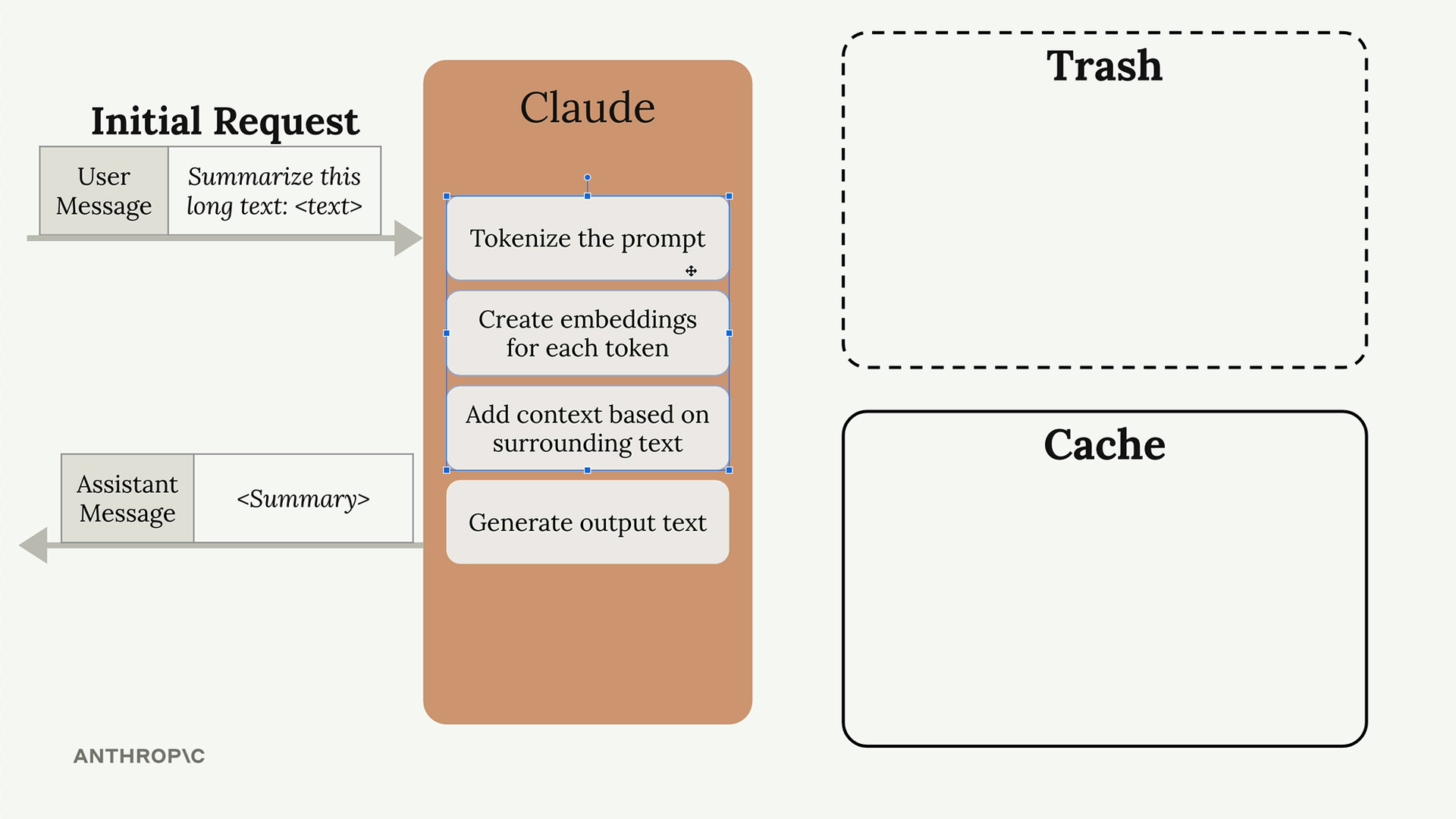
When Claude processes your initial request, instead of throwing away all the preprocessing work, it stores that work in a cache. The cache acts like a lookup table that maps specific input messages to their corresponding computational results.
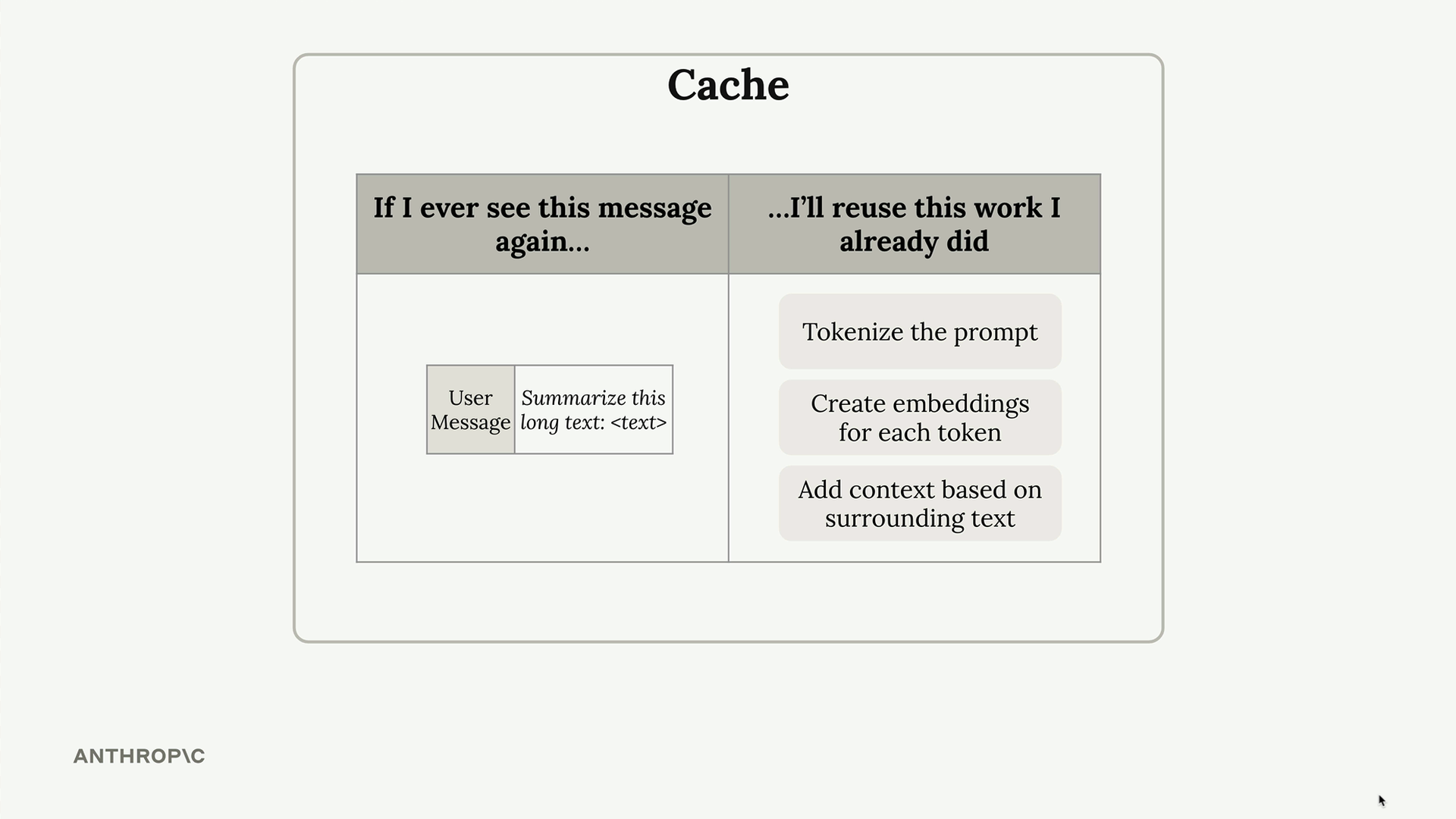
When you make a follow-up request that includes the same content, Claude can check its cache and reuse the previous work instead of starting from scratch.
Key Benefits and Limitations
Prompt caching offers several advantages:
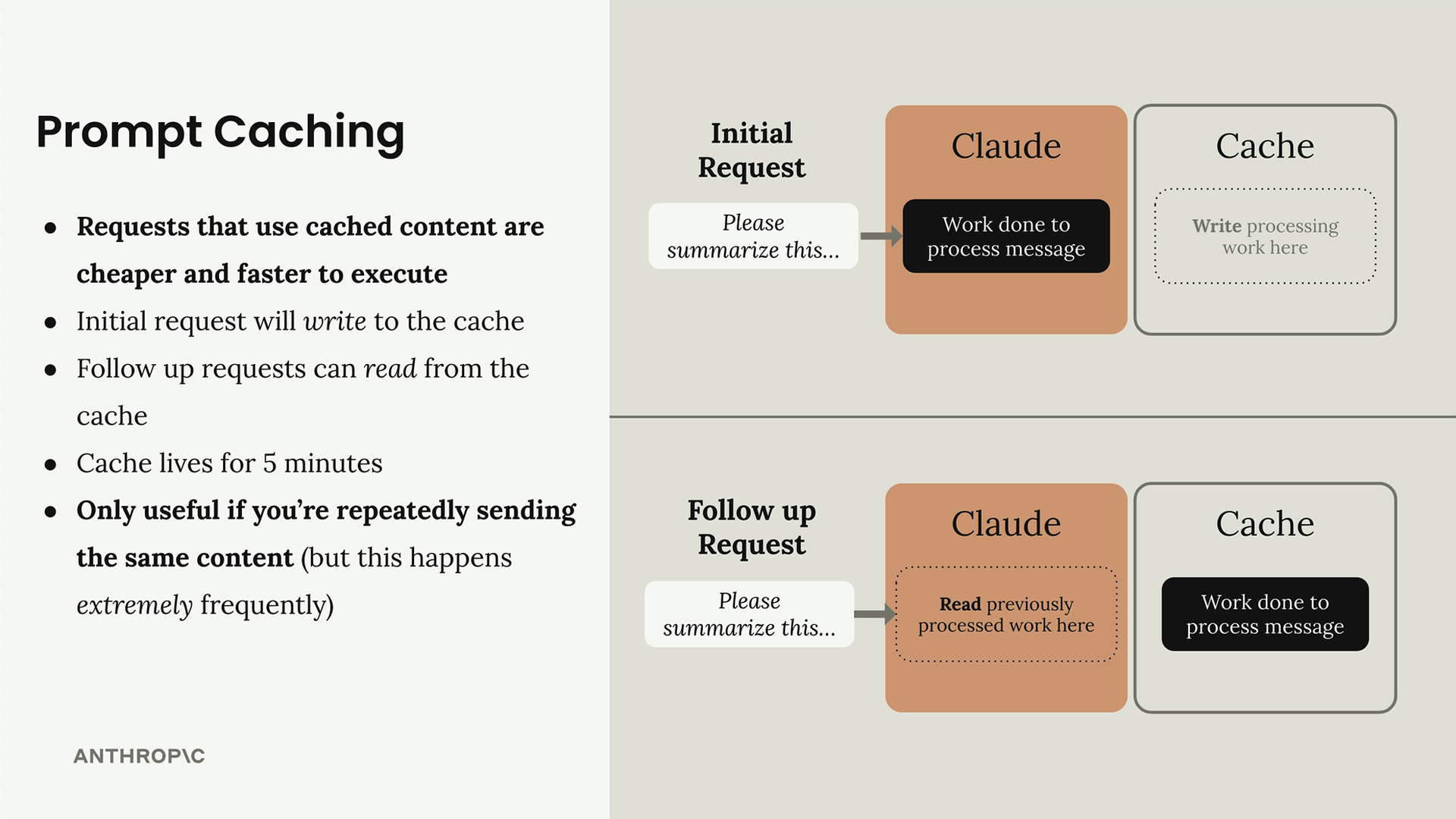
- Requests that use cached content are cheaper and faster to execute
- Initial request will write to the cache
- Follow up requests can read from the cache
- Cache lives for 5 minutes
- Only useful if you're repeatedly sending the same content (but this happens extremely frequently)
The cache has a 5-minute lifespan, so it's most beneficial for conversations or workflows where you're making multiple requests with overlapping content within a short timeframe. This pattern is actually very common in real applications - think about chatbots, document analysis tools, or any system that maintains conversation context.
Prompt caching is particularly valuable because many AI applications do repeatedly send the same content. Whether it's system prompts, conversation history, or large documents being analyzed, the same text often appears across multiple requests in a session.