Creating your first skill
Creating your first skill · 4 min
This video walks through building a skill from scratch — a personal PR description skill that works across all your projects. You'll see exactly how to structure the SKILL.md file, test it, and understand how Claude Code discovers and matches skills to your requests. The video also covers the priority hierarchy that determines which skill wins when names conflict.
Key takeaways
- A skill is a directory containing a
SKILL.mdfile with metadata (name, description) in frontmatter and instructions below - Claude loads only skill names and descriptions at startup, then matches incoming requests against those descriptions using semantic matching
- On a match, a skill with only a name, description, and instructions loads in full without asking you. If a skill pre-approves tools or adds hooks, Claude Code may ask for your approval first
- Priority for name conflicts: Enterprise → Personal → Project. Plugin skills are namespaced, so they load alongside a skill with the same name
- To update a skill, edit its
SKILL.md. To remove one, delete its directory. Claude Code picks up the change in the current session, without a restart. If~/.claude/skillsis new in this session, run/reload-skillsafter each change
Let's walk through creating a skill from scratch, then look at how Claude Code actually loads and matches skills behind the scenes.
Creating a Skill
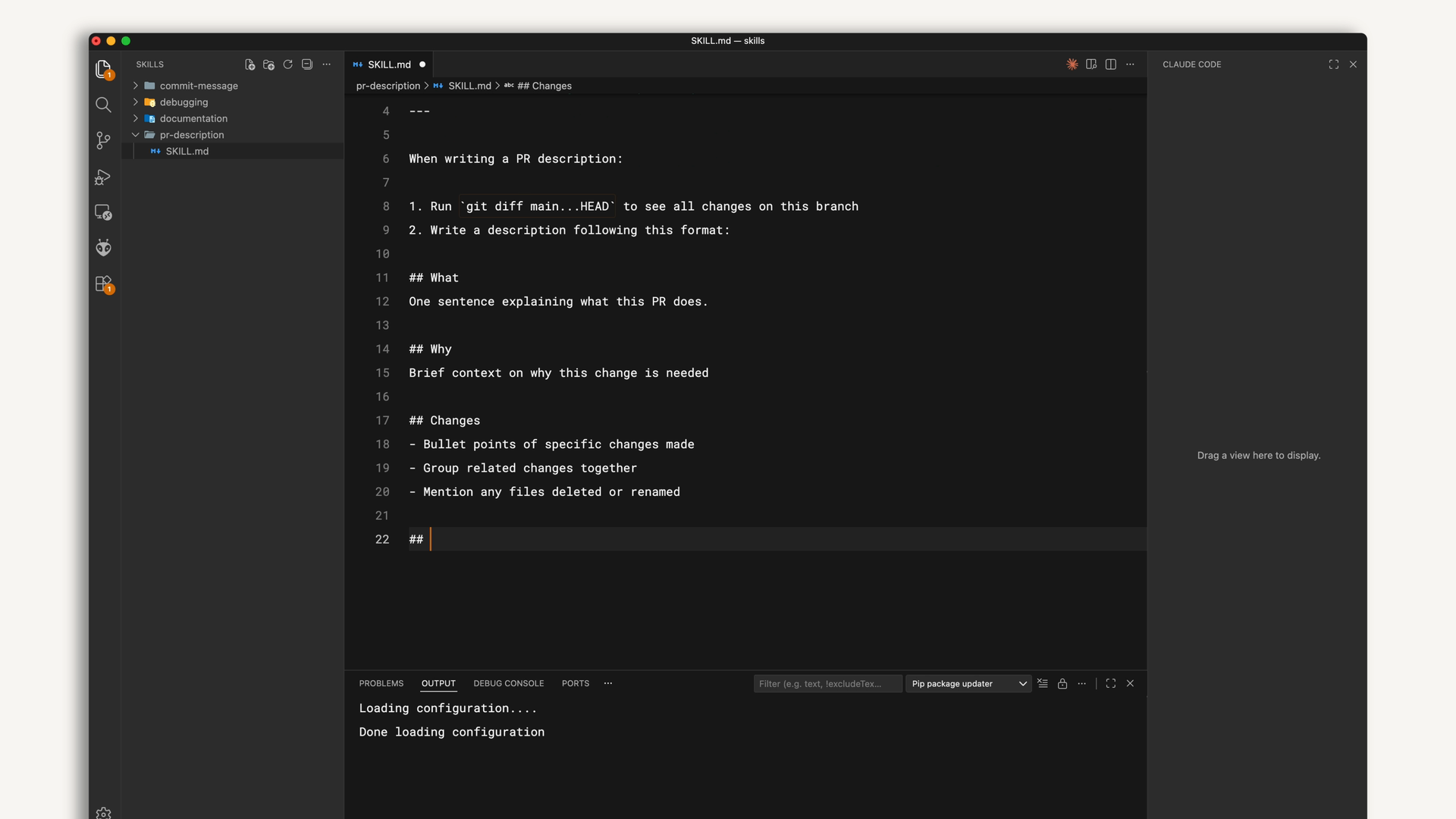
We'll build a personal skill that teaches Claude how to write PR descriptions in a consistent format. Since it's a personal skill, it lives in your home directory and works across all your projects.
First, create a directory for your skill inside the skills folder. The directory name should match your skill name:
mkdir -p ~/.claude/skills/pr-descriptionThen create a SKILL.md file inside that directory. The file has two parts separated by frontmatter dashes:
---
name: pr-description
description: Writes pull request descriptions. Use when creating a PR, writing a PR, or when the user asks to summarize changes for a pull request.
---

When writing a PR description:

1. Run `git diff main...HEAD` to see all changes on this branch
2. Write a description following this format:

## What
One sentence explaining what this PR does.

## Why
Brief context on why this change is needed

## Changes
- Bullet points of specific changes made
- Group related changes together
- Mention any files deleted or renamed
The name identifies your skill. The description tells Claude when to use it — this is the matching criteria. Everything after the second set of dashes is the instructions Claude follows when the skill is activated.
Testing Your Skill
Claude Code watches your skills directories, so a new skill is available in the current session without a restart. If ~/.claude/skills didn't exist when the session started, Claude Code isn't watching it yet, so run /reload-skills now, and again after each later change. You can verify your skill is available by checking the available skills list.
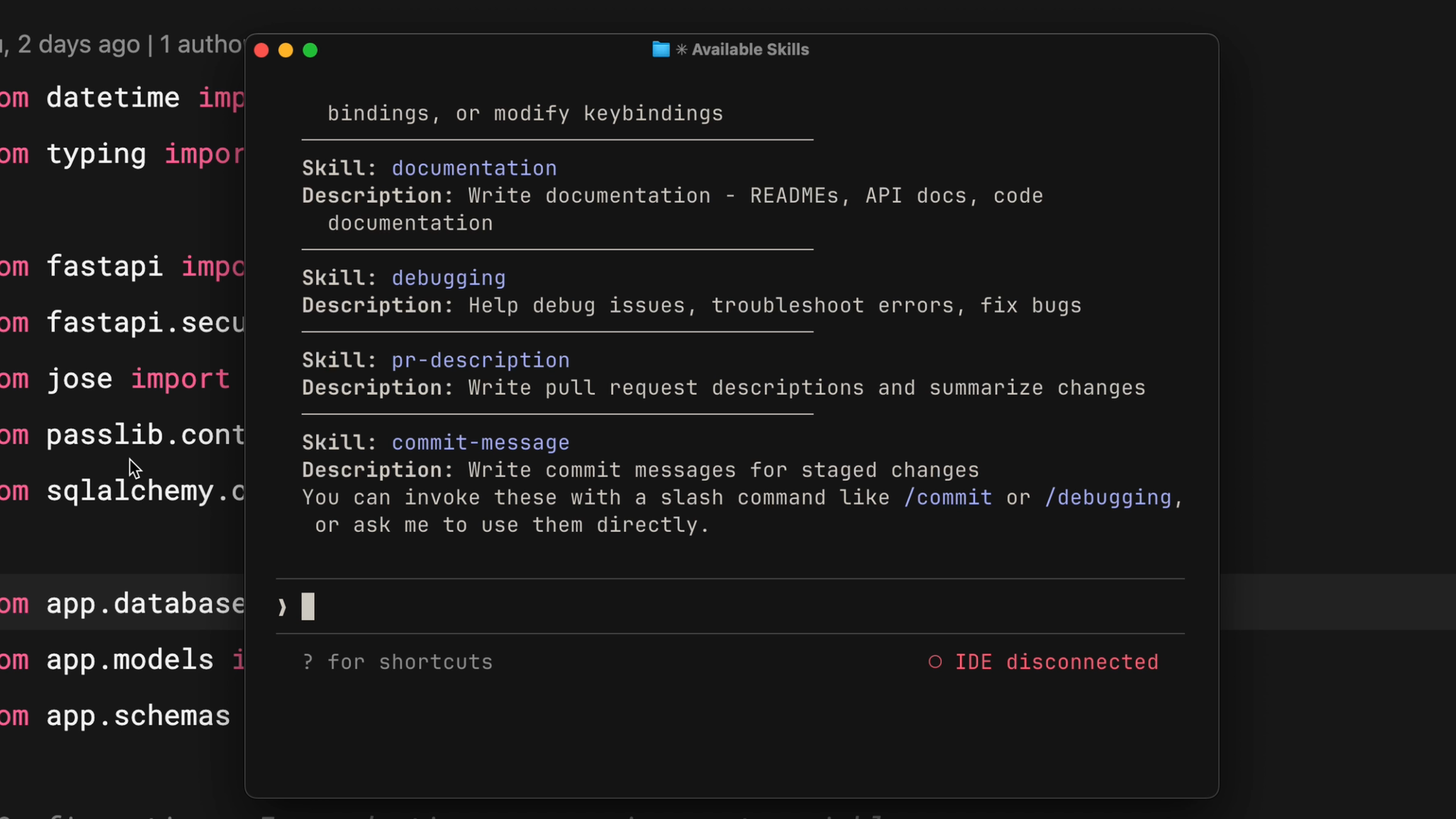
You should see your skill listed. To test it, make some changes on a branch and say something like "write a PR description for my changes." Claude will indicate it's using the PR description skill, check your diff, and write a description following your template — same format every time.
How Skill Matching Works
When Claude Code starts, it scans several locations for skills but only loads the name and description, not the full content. This is an important detail.
When you send a request, Claude compares your message against the descriptions of all available skills. For example, "explain what this function does" would match a skill described as "explain code with visual diagrams" because the intent overlaps.
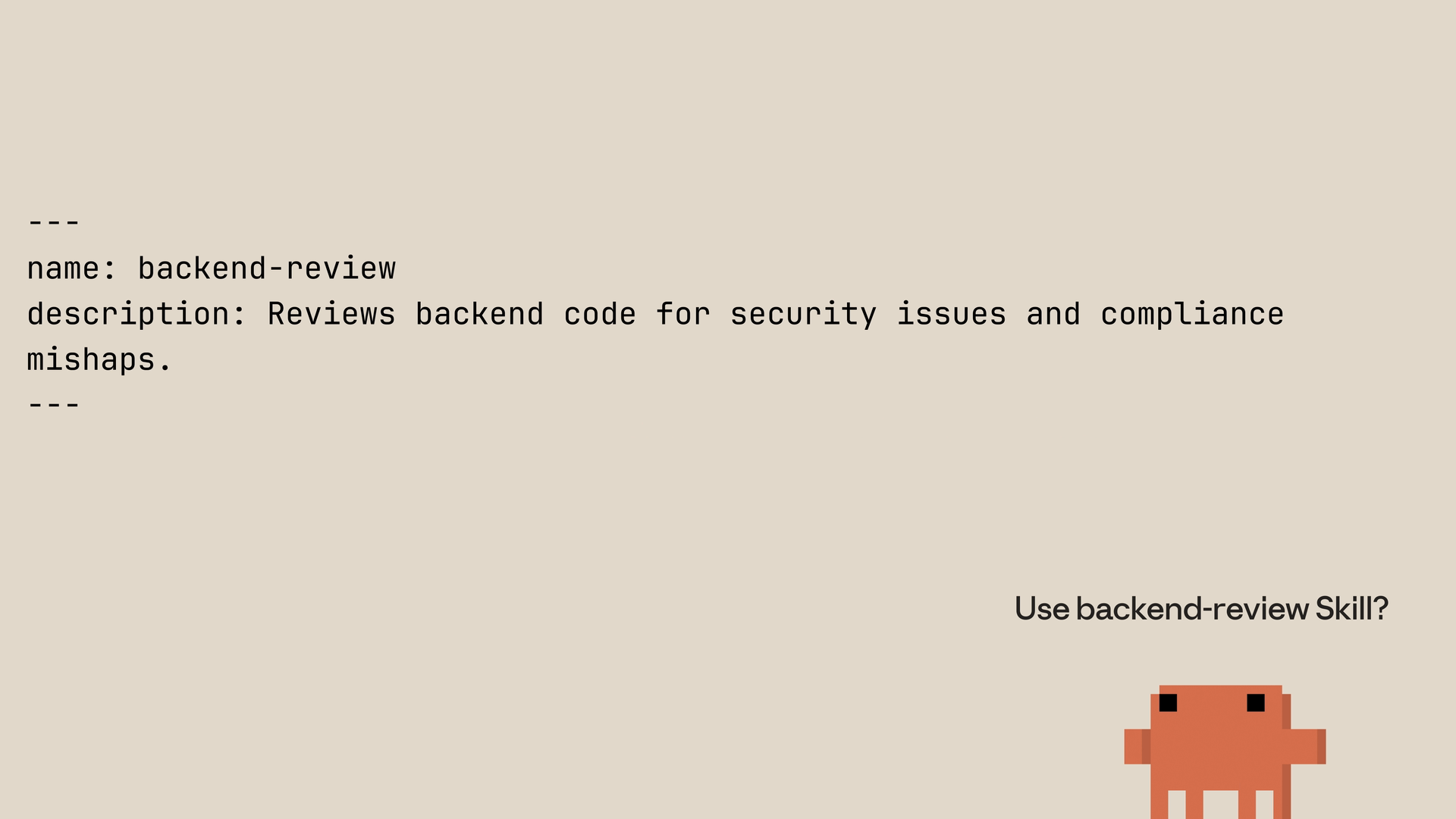
Once a match is found, Claude reads the complete SKILL.md file and follows its instructions. A skill with only a name, description, and instructions (like pr-description) loads without asking you. If a skill pre-approves tools or adds hooks, Claude Code may ask you to approve it first, depending on your permission mode. The video above and the image below show the approval step that Claude Code v2.1.19 removed for skills like pr-description.
Skill Priority
If you clone a repository that has a skill with the same name as one of your personal skills, which one wins? There's a clear priority order:
- Enterprise — managed settings, highest priority
- Personal — your home directory (
~/.claude/skills) - Project — the
.claude/skillsdirectory inside a repository
This lets organizations enforce standards through enterprise skills while still allowing individual customization. If your company has an enterprise "code-review" skill and you create a personal "code-review" skill with the same name, the enterprise version takes precedence. Skills from installed plugins sit outside this order. They're namespaced as /plugin-name:skill-name, so a plugin skill and another skill with the same name both load.
To avoid conflicts, use descriptive names. Instead of just "review," use something like "frontend-review" or "backend-review."
Updating and Removing Skills
To update a skill, edit its SKILL.md file. To remove one, delete its directory. Claude Code picks up the change in the current session, so you don't need to restart. If you ran /reload-skills earlier in this session because ~/.claude/skills was new, run it again after each change.
Lesson reflection
- What's one task in your daily workflow that you could turn into a skill right now? What would the description look like?
- How might the priority hierarchy affect your team's skill management strategy? Would you rely more on personal or project-level skills?
What's next
In the next lesson, you'll learn about advanced configuration options including metadata fields, pre-approving tools with allowed-tools, and how to structure larger skills using progressive disclosure and multi-file organization.